
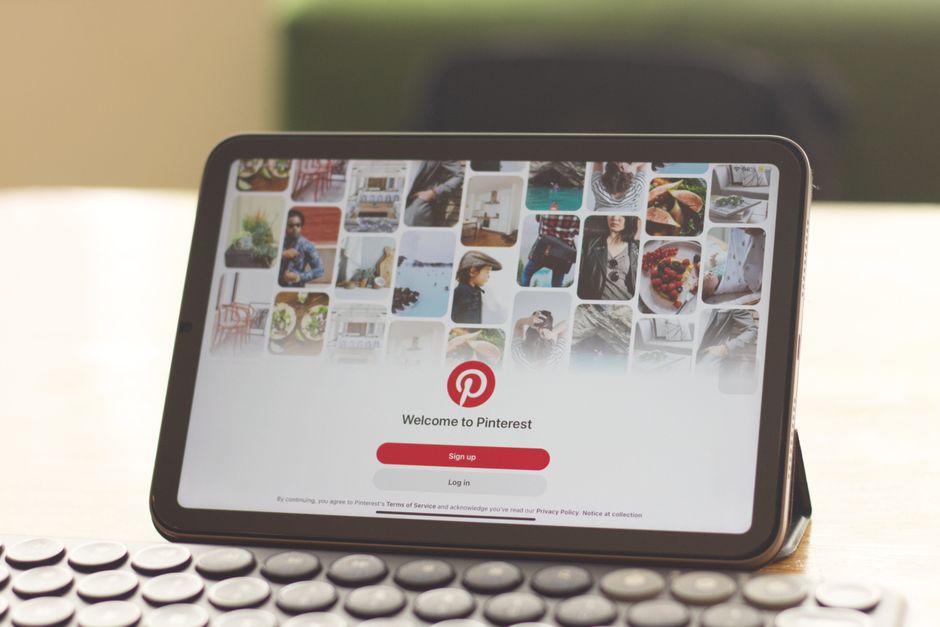
A Pinterest business account is your key to turning pins into actual business results. Unlike a personal account, a business account gives you access to advertising tools, detailed analytics, rich pins, and SEO optimization features that help you reach more customers and track what’s working.
The best part? It’s completely free to set up. If you’re running a small business, managing a brand, or trying to drive traffic to your website, a Pinterest business account is basically a no-brainer. Let’s walk through exactly what you need to do.
Related: What Is Digital Marketing? The Complete 2026 Guide
Related: What Is a Marketing Funnel? Complete 2026 Guide
What Is a Pinterest Business Account (And Why You Need One)
A Pinterest business account is a specialized profile designed for brands, creators, and businesses. It unlocks features that turn Pinterest from a social platform into a real marketing channel.
Related: Marketing Strategy: A Step-by-Step Guide for Small Business
Here’s what separates it from a personal account:
- Access to Pinterest Ads (paid promotion)
- Analytics dashboard showing pin performance, audience demographics, and traffic sources
- Rich pins that display product details, pricing, and availability
- SEO tools to help your pins get discovered through search
- Ability to claim your website and link products directly
If you’re serious about using Pinterest for business growth, you need a business account. Personal accounts don’t get any of these tools, which means you’re leaving traffic and sales on the table.
How to Create a Pinterest Business Account (Step-by-Step)
You can convert an existing personal account to a business account, or start fresh with a new one. Both take about 5 minutes.
Option 1: Convert Your Personal Account
If you already have a Pinterest account you’ve been using casually, you can flip it to business mode without losing your pins or followers.
- Go to your account settings (click the profile icon in the top right)
- Select “Settings”
- Scroll down and click “Convert to Business Account”
- Choose your business category (e.g., retail, services, media, etc.)
- Add your website URL
- Click “Done”
Pinterest will ask for basic info like your business name and website. Fill it out accurately because this shows up on your profile.
Option 2: Create a New Business Account From Scratch
If you’re starting completely fresh, here’s the flow:
- Go to Pinterest.com and click “Sign Up”
- Enter your email, create a password, and choose your business name
- Select “Business” as your account type
- Pick your business category
- Add your website and confirm it
- Verify your email address
- You’re in
Either way, you’ll have a full business account within minutes. No credit card needed at this stage.
Setting Up Your Pinterest Business Profile for Success
Once your account exists, you need to actually make it look professional and help Pinterest understand what your business does. This takes another 10-15 minutes, but it pays off.
Complete Your Profile Information
Go back to your profile and fill in every field:
- Profile Picture: Use your logo or a professional headshot. Not a random photo.
- Bio: Write 160 characters (max) that explain what you do. Include a keyword if it fits naturally. Example: “Handmade leather goods shipped worldwide. Shop our collection of wallets, bags, and accessories.”
- Website: Link to your homepage, not a random page
- Business Category: Pick the most accurate one. This helps Pinterest serve your pins to the right audience.
Your profile is the first thing people see when they land on your account. Make it count.
Verify Your Website
This is important. Website verification tells Pinterest that you actually own the domain you’re promoting. It also unlocks richer analytics and helps with SEO.
To verify:
- Go to Settings > Business
- Click “Claim” next to your website
- Pinterest will ask you to add a verification code to your website’s header or upload an HTML file
- If you’re not comfortable doing this, ask your web developer or use Local Marketing Packs resources that include step-by-step setup guides for non-technical users
- Wait 24-48 hours for verification
Once verified, you’ll get more detailed traffic data and the option to create shoppable pins.

Understanding Pinterest Business Account Tools

Now that you’re set up, here’s what you can actually do with your business account.
Analytics Dashboard
This is where you see what’s working. The analytics tab shows you:
- Total impressions and outbound clicks
- Your top performing pins
- Audience location, language, and interests
- When your followers are most active
Use this data to figure out what content to pin more of. If your DIY home decor pins get 3x more saves than your general lifestyle pins, you know where to focus.
Rich Pins and Product Tags
Rich pins display extra information directly on the pin itself. For example, a recipe pin might show cooking time and ingredients. A product pin shows price and availability.
To enable rich pins, you need to add structured data to your website or use Pinterest’s automatic detection for certain platforms (Shopify, WooCommerce, etc.).
Pinterest Ads
Once your account is verified and set up, you can run paid campaigns. You don’t have to, but it’s an option if you want faster growth. Ads start at $5 per campaign and you only pay when someone clicks or saves your pin.
Most small businesses see better results starting with organic pins first. Get your free organic strategy down, then test ads if you have budget.
Best Practices for Your Pinterest Business Account
Setting up the account is just the beginning. Here’s how to actually get results.
Create Pins Regularly
Consistency matters on Pinterest. Aim for at least 5-10 original pins per week. Use high-quality images (1000×1500 pixels works best) and include keywords in your pin titles and descriptions.
Use Keywords Strategically
Pinterest is a search engine. People search for things like “small business marketing ideas” or “how to grow on social media.” Put those search terms in your pin titles, descriptions, and board names.
Link Everything to Your Website
Every pin should link somewhere. Link to your blog posts, product pages, or service pages. This drives traffic that can convert into customers or email subscribers.
Create Boards Around Topics
Organize your pins into topic-specific boards. If you’re a fitness coach, you might have boards for “Strength Training,” “Meal Prep Ideas,” and “Recovery Tips.” This makes it easy for people to find what they’re looking for.
Need templates to design your pins faster? Local Marketing Packs has pre-made Pinterest pin templates in dozens of niches. You just customize the text and colors, and you’re done in minutes instead of hours.
Want results like these?
Common Pinterest Business Account Mistakes to Avoid
A lot of people set up their account and then don’t use it properly. Here’s what not to do:
- Don’t pin random stuff: Everything should relate to your business. Your followers are there because they care about what you do.
- Don’t use low-quality images: Blurry or pixelated pins get ignored. Spend 5 minutes finding a good image or designing one.
- Don’t forget to include keywords: “Check this out” tells Pinterest nothing. “25 Low-Cost Small Business Marketing Strategies” tells Pinterest exactly what the pin is about.
- Don’t neglect analytics: Check your analytics once a month. See what’s working and do more of it.
- Don’t leave your profile incomplete: A blank bio or missing website URL signals that you’re not serious about this platform.
Next Steps: Growing Your Pinterest Business Account

Once your account is set up, your real work begins. The platform works, but only if you show up consistently with quality content.
Start by pinning 10 pieces of existing content from your website or blog. Then commit to creating 5-10 new pins per week going forward. Check your analytics monthly and adjust your strategy based on what’s working.
If you need help designing those pins quickly, Local Marketing Packs offers ready-made pin templates you can customize in minutes. It’s way faster than designing from scratch, and your pins will look professional either way.
For more insights on effective Pinterest strategies, check out Pinterest’s official business resource center, which has updated best practices and case studies.
Real Results You Can Expect
How long before you see actual traffic and sales from Pinterest?
Honestly, it depends on your niche and how consistent you are. Most small businesses start seeing meaningful traffic within 2-3 months of regular pinning. Some see results faster if their content really resonates.
The key is that Pinterest is a long game. It’s not like Instagram where you post and hope for likes today. Pinterest users are saving pins they plan to use weeks or months later. So your pins keep driving traffic months after you create them.
That’s why setting up a business account now, even if you don’t see immediate results, is worth it. You’re building an asset that works for you over time.
Is it worth setting up a Pinterest business account if I’m already on other platforms?
Yes. Pinterest reaches a different audience than Instagram or TikTok. Your Instagram followers might be friends and acquaintances. Pinterest users are actively searching for solutions, products, and ideas. The buyer intent is different, and it’s usually higher. Even if you’re small, it’s worth claiming this real estate.
Can I run ads on my Pinterest business account right away?
Technically yes, but we’d recommend getting your organic strategy solid first. Spend 2-3 weeks pinning regularly and understanding your analytics. Then if you have a $100-200 budget, test some ads. But don’t start with ads if you don’t have consistent content to back it up.
What if I already have a personal Pinterest account with followers?
Convert it to a business account. You keep all your pins and followers, but unlock the business tools. There’s no downside here.
How often should I pin to see results?
Aim for 5-10 pins per week minimum. More is better if you can swing it. The algorithm favors accounts that pin consistently. If you post once a month, you’ll struggle to gain traction.
Want results like these?

















0 Comments